Start Chatting Already [No Registration Required]
This will take you to the chat room you are looking for
To add Y99 web app into your home screen , you’ve to follow these steps :
→Open y99 website or application and login into your account.
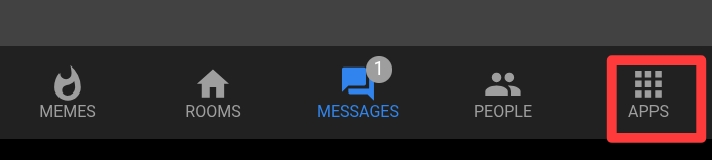
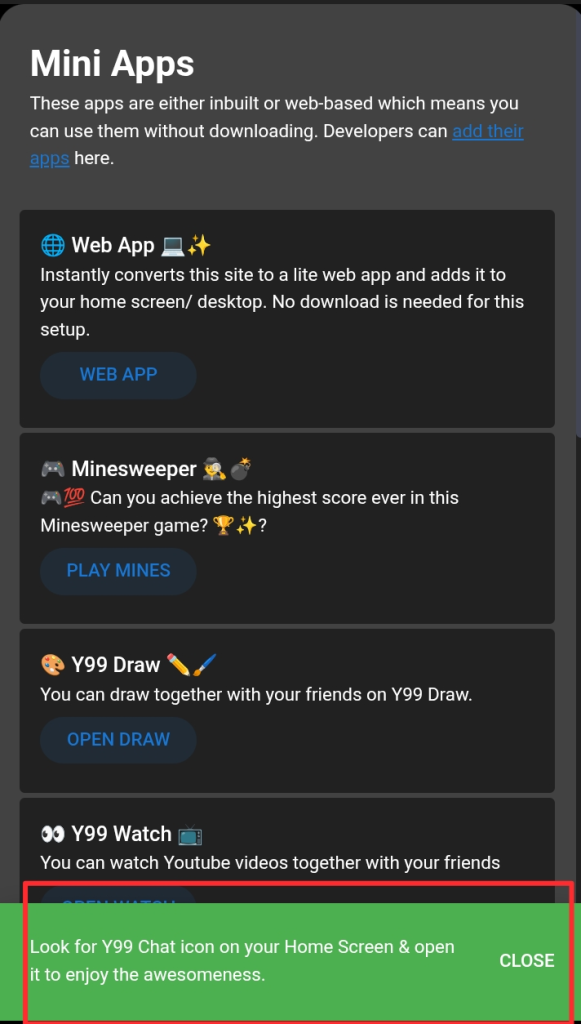
→Now select “ APPS ” from bottom navigation bar.
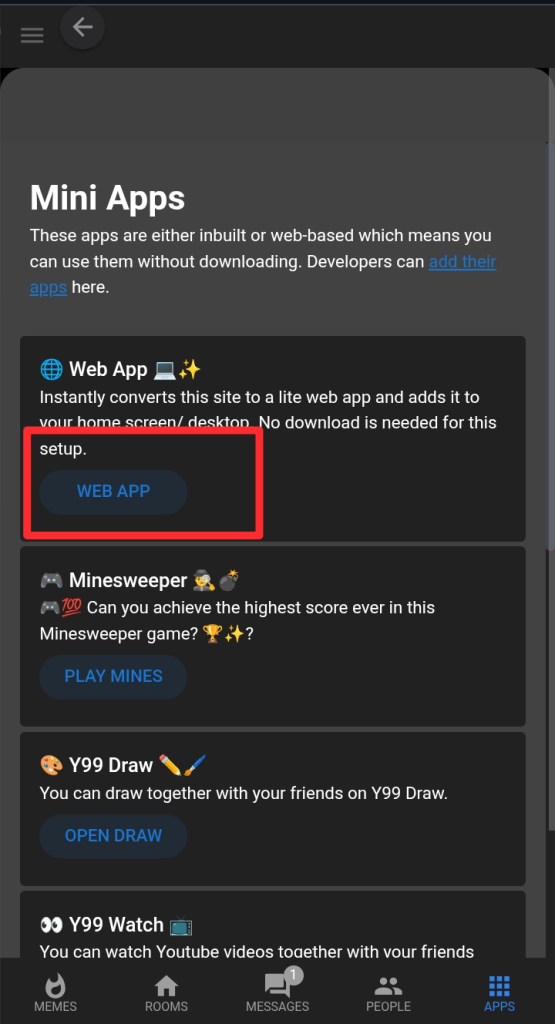
→ Now click on ” WEB APP ” button.
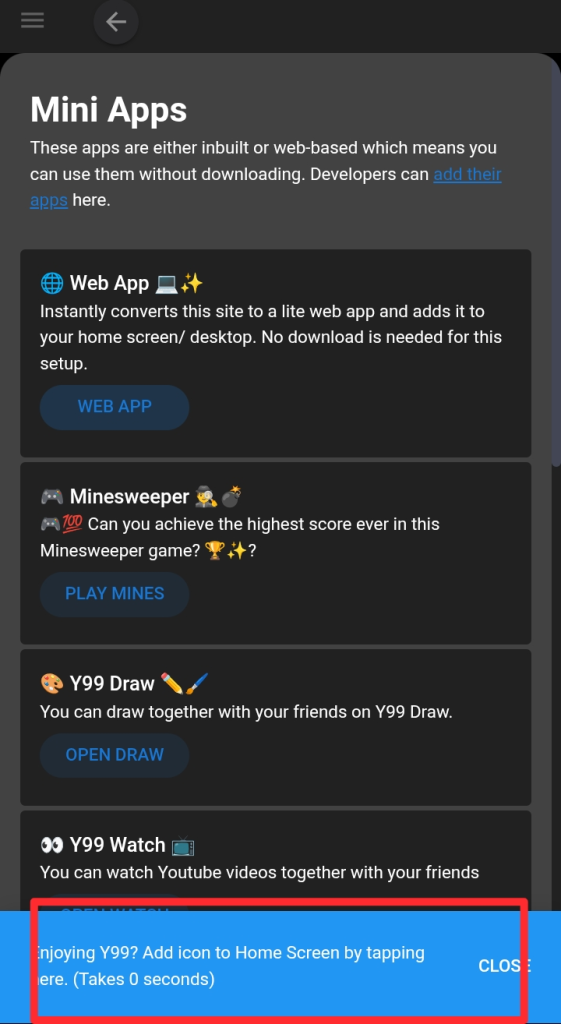
→Now you will see a popup in the bottom of page, click on that.
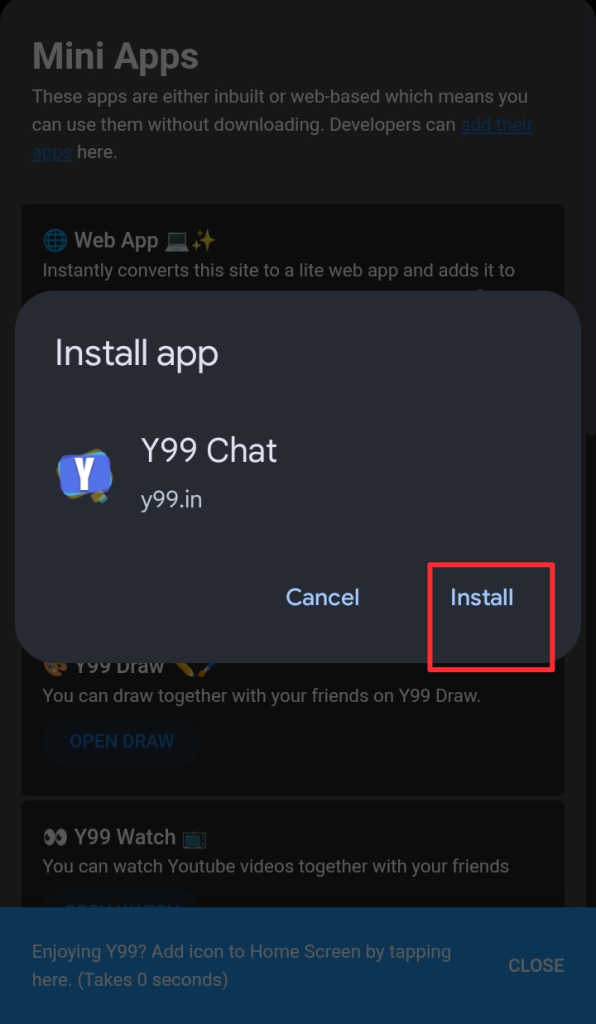
→After clicking install app popup will be shown click on install button on that .
→ after click you will receive a green popup asking to check your home screen.
→check your home screen you will see the lite web app version of y99.
Blog by user : -A*-